
SnapFlomo / Web Clipping for Flomo
Save Web Content to Flomo Elegantly
SnapFlomo is a clean and elegant Chrome extension that helps you quickly save web content to Flomo. Featuring AI summaries, multiple themes, and sidebar mode.
Dual AI engines with Zhipu AI and Deepseek
Multi-theme interface plus immersive sidebar mode
Three-month statistics and history review
Why it feels like a product, not just an extension shell
AI
Structured summary generation
4+
Built-in visual themes
3M
Recent activity overview
Product Stage
SnapFlomo interface preview
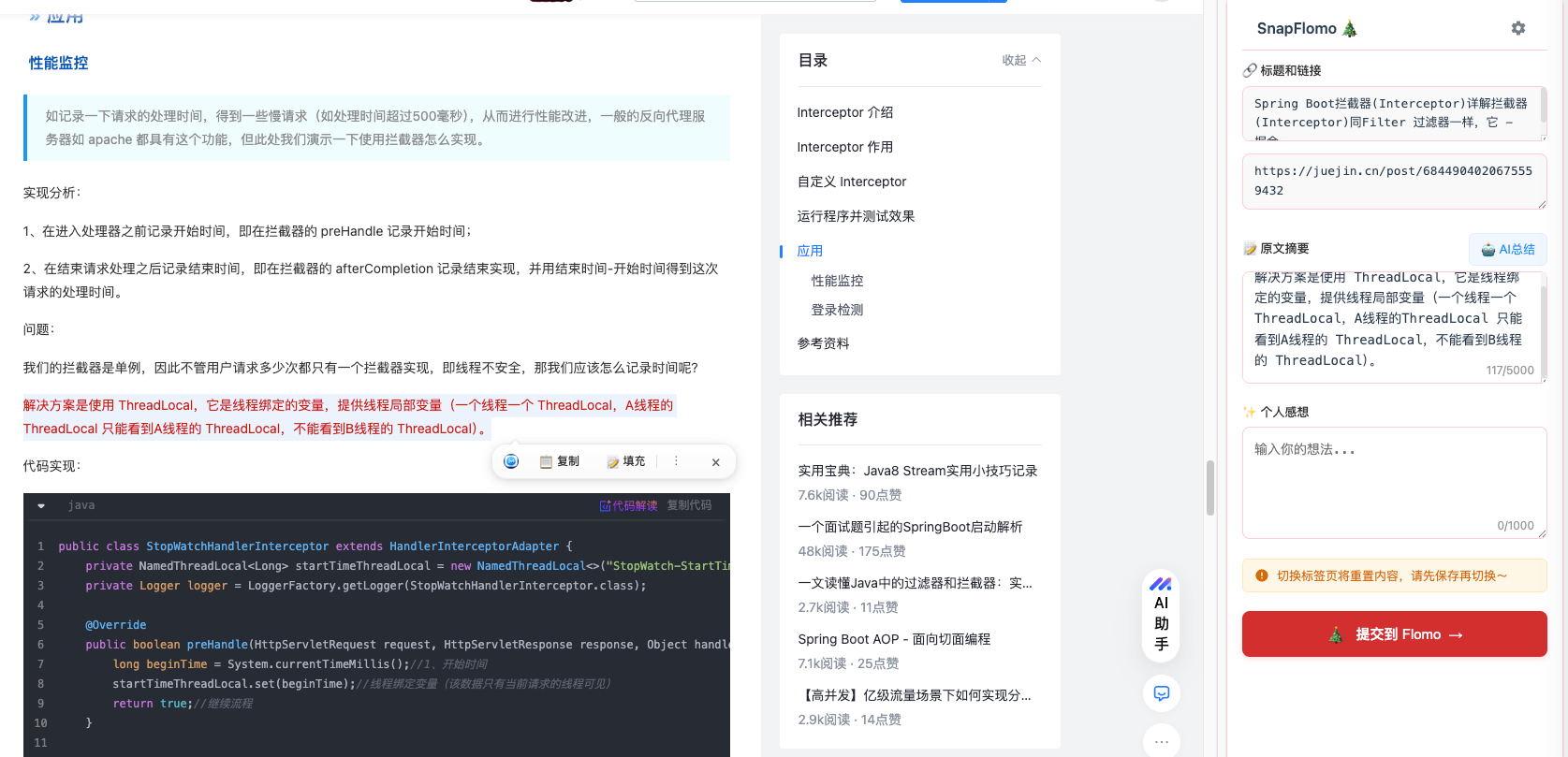
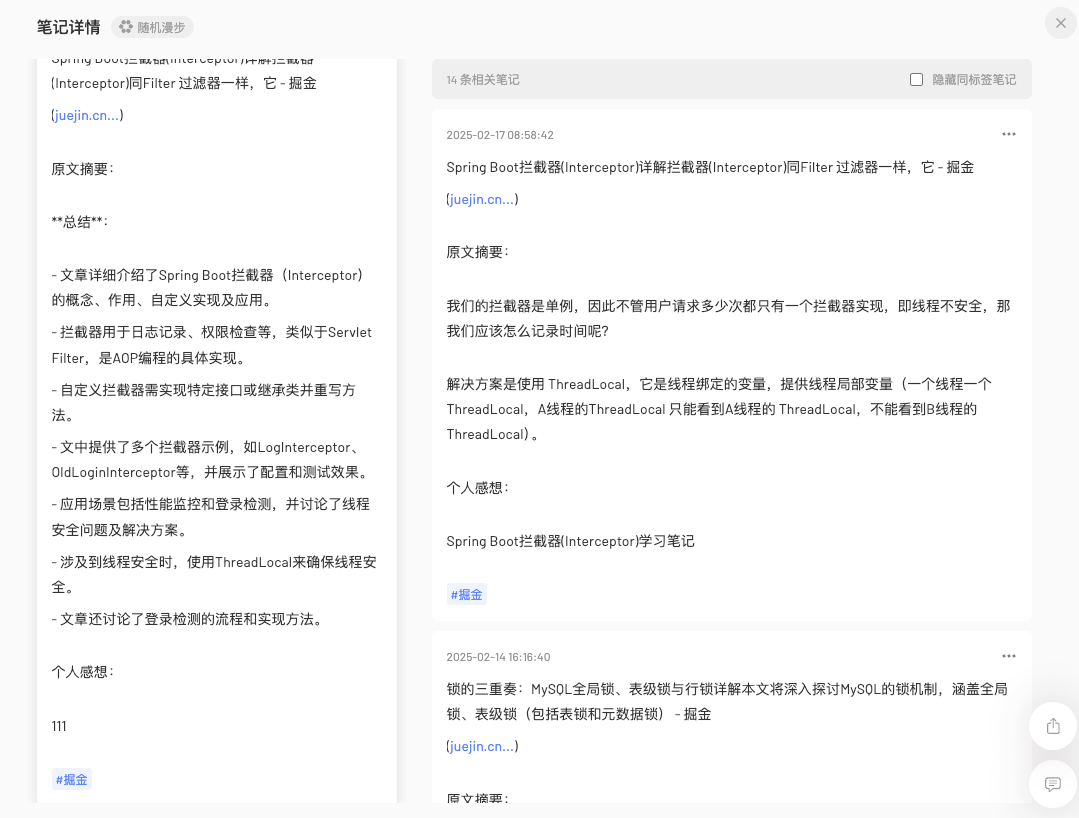
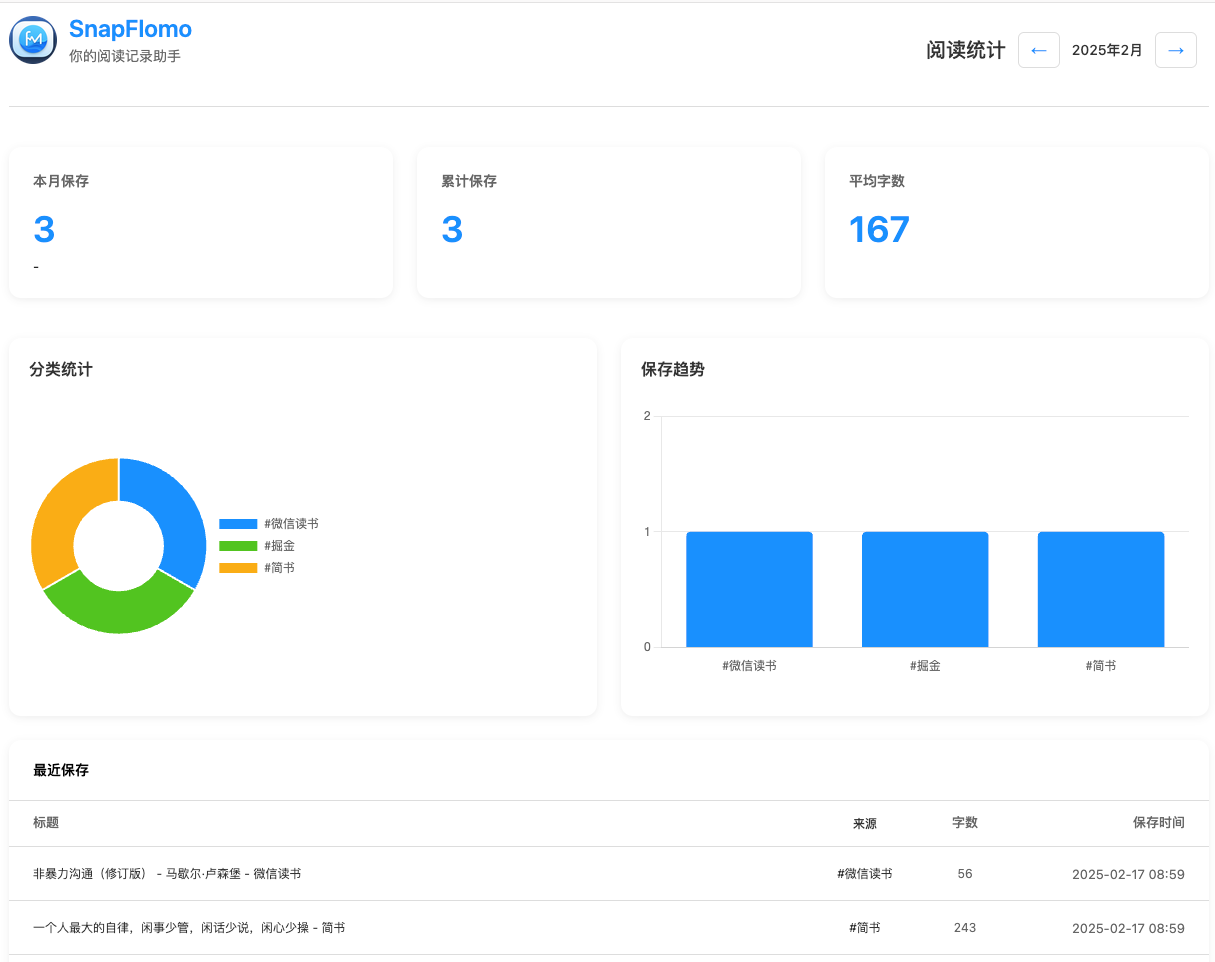
Home · AI Summary · Stats View
Feature Narrative
Turn simple saving into a richer workflow
Content Collection
Automatically capture page title and URL, support manual summary and personal notes, plus quick selected-text filling.
AI Summary
Support for both Zhipu AI and Deepseek engines, with one-click structured article summaries.
Theme System
Switch between multiple built-in themes including default, Christmas, New Year, and Snake Year.
Statistics
Review the last 3 months of activity with charts, comparisons, and history management.
Secure by Default
Secure API key storage, minimal data capture, local-first storage, and data cleanup support.
Visual System
Give the extension a themed visual personality
Themes are treated as part of the product mood, not as an afterthought skin pack.
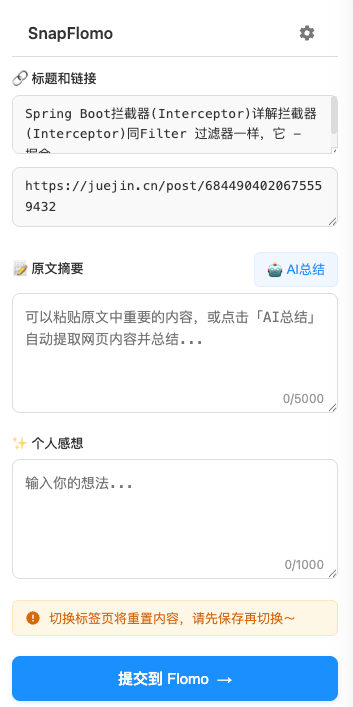
Default Theme
Clean and elegant design style
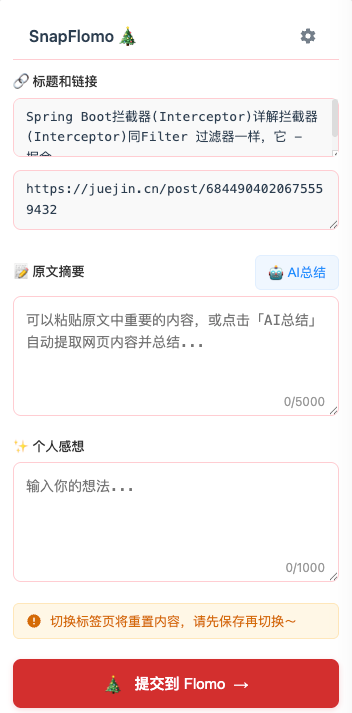
Christmas Theme
Warm design with festive atmosphere
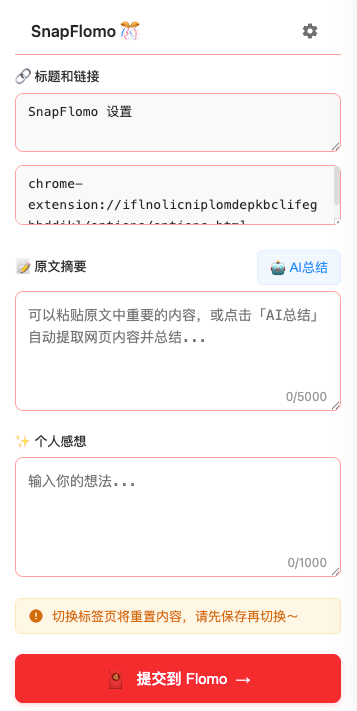
New Year Theme
Festive and harmonious atmosphere
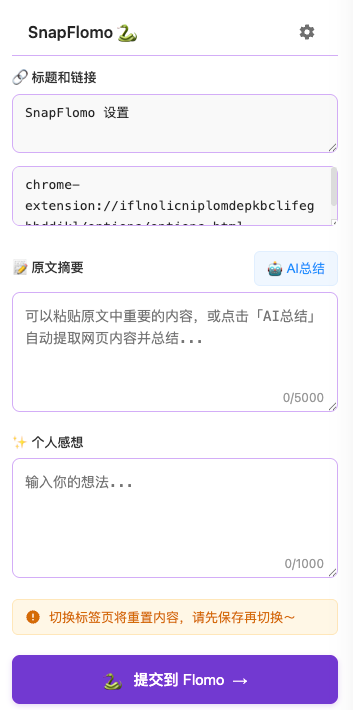
Snake Year Theme
Lively and interesting zodiac elements
AI Layer
AI Smart Assistant
Turn captured content into something easier to understand, review, and reuse.
Smart Summary
Automatically extract article highlights and generate concise summaries
Dual Engine Support
Support for both Zhipu AI and Deepseek, switch freely
Tag Recommendations
Intelligent content analysis and tag suggestions
AI Configuration
Configure the API Key for the corresponding service in the extension settings page.
Zhipu AI
Default engine, strong for Chinese-language understanding.
Deepseek
Useful as an alternate summary style and multilingual backup.
Onboarding
Quick Start
Installation Steps
- 1 Download source code
- 2 Open Chrome extensions page
- 3 Enable "Developer mode"
- 4 Click "Load unpacked"
- 5 Select project folder
Configuration
Flomo Setup:
- Login to Flomo
- Go to Extensions & API
- Get Webhook URL
- Enter in extension settings
FAQ
Answer the common questions before they appear
01 How to use AI smart summary feature?
The extension supports both Zhipu AI (default) and Deepseek. You need to configure the API Key in the settings page. Once configured, the system can automatically extract core content and generate structured summaries.
02 How to configure Flomo synchronization?
First login to your Flomo account (membership required), go to Profile -> Extensions & API, get your unique Webhook URL, then enter it in the extension settings.
03 What keyboard shortcuts are supported?
The default shortcut is Command + Shift + F on Mac and Alt + Shift + F on Windows. Custom shortcuts are also supported, along with text selection shortcuts.
04 What themes are available?
The extension offers multiple themes: a clean default theme, Christmas theme with festive atmosphere, New Year theme with warm celebrations, and Snake Year theme with zodiac characteristics.
05 How to view data statistics?
The extension supports viewing data statistics for the last 3 months, including monthly comparisons and daily saving statistics, with interactive charts like category pie charts and trend bar graphs. You can also view recently saved items with quick preview and original link access.